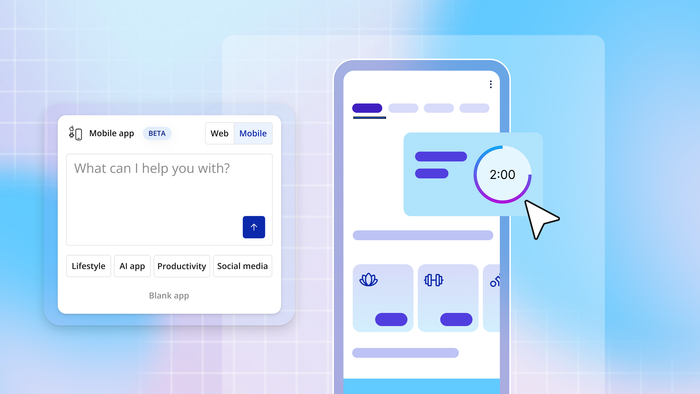
AI has made building apps feel accessible to everyone, but with that accessibility comes a lot of confusing terminology. You've probably heard terms like "vibe coding," "agent assisted coding," "no-code," and "visual development" thrown around. Are they the same thing? Different? Which one do you actually need?
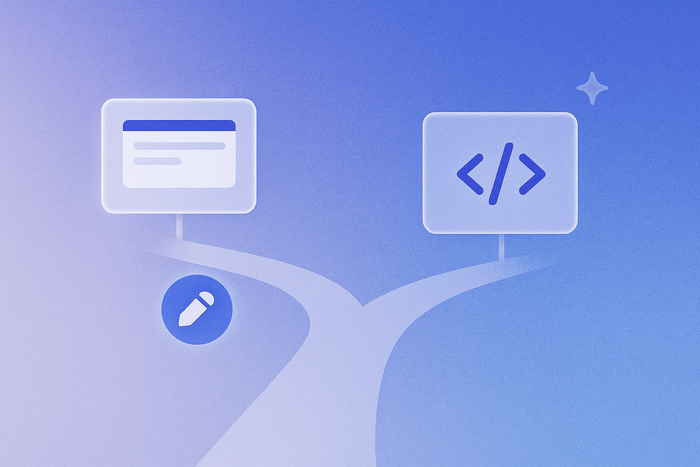
In reality, these aren't competing approaches but rather complementary pieces of how modern app building works. Vibe coding is how you communicate what to build. Visual development is how you edit and control what gets built. Understanding the difference helps you choose the right tools and avoid getting stuck.
This guide breaks down what each term means and shows you the fastest path from idea to working app.
What is vibe coding (also known as agent-assisted coding)?
Vibe coding means building software by talking to the AI using natural language and describing what you want to create. "Agent assisted coding" is just another term for it. So, instead of learning programming languages or syntax, you describe your idea and watch the AI build it.
What makes vibe coding so popular?
AI coding tools like Lovable, Bolt, Replit, and Bubble have inspired millions of people to build software for the first time. You can start building immediately and generate working prototypes in minutes. The barrier to entry has never been lower.
But there's a catch that becomes obvious once you move past that initial excitement. These tools generate traditional code — JavaScript, Python, React — that you can't read and likely can't edit or update yourself.
When something breaks or needs customization, you're stuck with two options. Either keep prompting the AI and hope it understands or learn to edit code yourself.
Imagine, the AI built your sign-up button, but clicking it does nothing. Now what? You can waste time in "prompt loops" trying different phrasings, hoping the AI finally gets it right. Or you need to understand JavaScript well enough to debug it yourself. Most non-technical founders hit this wall and don't have a clear path forward.
This is where Bubble’s approach to vibe coding gives you another option — because there’s no code at all. Instead, Bubble uses a visual approach that lets you see exactly how your app works and edit it directly alongside AI or when it gets stuck.
What is visual development?
Visual development means building software using visual interfaces instead of code. Your workflows become flowcharts, database fields are forms, and your logic is step-by-step boxes you connect together. This approach is also called "no-code" or "visual programming."
How visual development keeps you in control
The power of visual development is that you see exactly how your app works in natural language and visual flows. When something breaks, you can identify the specific step causing the issue and fix it yourself. There's no code to debug, instead it’s just logic you can see and understand.
On Bubble, visual development works alongside AI to give you flexibility. Use AI when you want to move fast — generate features, troubleshoot issues, or build entire pages through conversation with the AI Agent. Then edit visually when you need precise control over design, logic, or data structure. You can move between both approaches whenever you need to.
For example, you ask AI to build user registration. In no time, you could be looking at the visual workflow it created with the signup form, email verification step, welcome email trigger, and database entry for every new user. If you want to add a confirmation page or change when the verification email is sent, you can either ask the AI Agent to make that change or click directly into the visual workflow and adjust it yourself..
So, you're not choosing between AI or visual editing — you use both.
How to make an app with AI
Building with AI involves two main phases: generating and editing. How smoothly these phases work together depends on whether you're using code-based or visual tools.
Phase 1: App generation
Both approaches start the same way. You describe your idea to AI, and it generates your UI, database, workflows, and logic. Everything you need for a working app gets created in minutes.
The difference is in what you actually get. Code-based tools output thousands of lines of JavaScript, Python, or React that only make sense if you're a developer. Visual tools output representations you understand immediately.
Phase 2: Editing and refinement
This is where the paths diverge completely for code-based and visual development tools.
With code-based tools, you have two options when something needs to change. You can keep prompting the AI, often getting stuck in loops where you’re rephrasing the same request in different ways, while burning through credits or reaching daily limits. Or you can learn to edit the code yourself, which only works if you already know JavaScript ,Python, or other programming languages. Most non-technical founders get stuck here, literally unable to move forward.
With AI visual development, you always have a path forward. You can ask the Bubble AI Agent to make changes, and it builds step-by-step in front of you so you see exactly what changed. Or you can edit directly using dropdown menus and visual workflows. Want to change a button color? Use a color picker. Need to add email notifications? Click to add a "Send email" step to the workflow.
With code-based tools, you're stuck when AI can't deliver what you need. With visual development, you maintain control as your app grows because you can always see what's happening and fix it yourself.
Terms new startup and tech founders should know
As you start building, you'll hear these terms constantly. Here's what they mean.
Code: Traditional programming languages like JavaScript and Python. Code-based tools generate files full of this code, while visual tools show you flowcharts and forms instead.
Visual programming/editing: Building with visual interfaces instead of code. You use dropdown menus, drag-and-drop elements, and click to connect pieces together rather than typing out instructions in a programming language.
Logic: The rules and workflows that make your app do things, like saving a CV when someone applies for a job or calculating a discount when a coupon code is applied. In traditional development, logic is represented as code. In no-code platforms, it's visual flowcharts.
Database: Where your app stores information like user profiles, product listings, and messages. Think of these like a set of spreadsheets that power your app.
Backend: Behind-the-scenes systems like your database, workflows, and privacy rules. It's a catch-all term for what users don't see but what powers everything in your app.
Frontend: What users see and interact with in your app. This includes your user interface (UI), buttons, and forms.
Prototype vs. MVP: A prototype shows the concept but isn't fully functional. An MVP (minimum viable product) is a real app you can launch to users to start gathering feedback and build on.
Shipping/deployment: Making your app live and accessible on the internet. Once you ship, users can access your app and interact with it.
Production: Your live app that users access. This is different from your testing version where you make changes safely.
Branches: A way to safely test changes without affecting your live app. You can experiment without breaking what's already working.
Stack: All the technologies powering your app. Traditional development requires connecting multiple tools for frontend, backend, database, and hosting. Modern platforms like Bubble handle all layers in one place.
Bugs: Errors in your app that prevent it from working correctly. Visual logic makes bugs easier to spot and fix than debugging thousands of lines of code.
Tech debt: The cost that can build up from choosing quick fixes during development instead of building your app to last from the start. Things like temporary workarounds and relying on outdated code accumulate over time. Eventually, you'll need to invest extra effort and resources to clean up and improve your codebase to keep your app maintainable.
MRR/ARR: Monthly or annual recurring revenue from your customers' subscriptions. These metrics show how much predictable income your business generates.
No-code app design vs. no-code software development
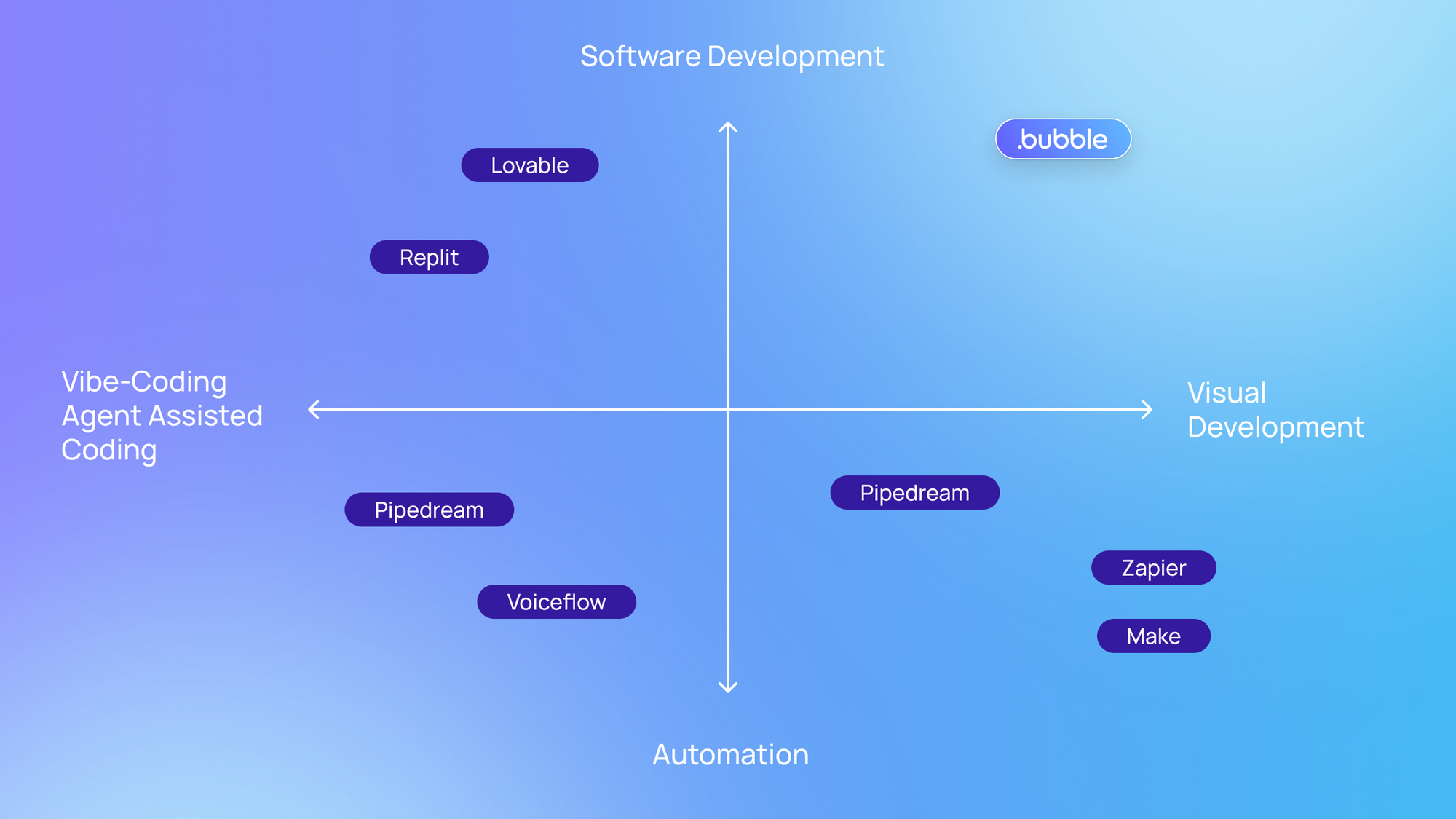
This distinction trips up a lot of new founders. Both fall under "no-code," but they do completely different things.
- Design tools (like Figma) create mockups and visual designs. They output static designs for planning what your app will look like. They don't connect to databases or execute logic, so they can’t function as real apps.
- Development tools (like Bubble) build functional applications. They create both your UI and your backend systems. They output real apps that store data, execute workflows, and handle users.
A common mistake is designing your entire app in Figma, then realizing you still need to build all the functionality. The design is just one piece. A real app needs UI design, a database, logic, authentication, privacy rules, hosting, and deployment working together. If you've already designed in Figma, you can convert those designs into Bubble with the Figma to Bubble converter and build the functionality in the same platform.
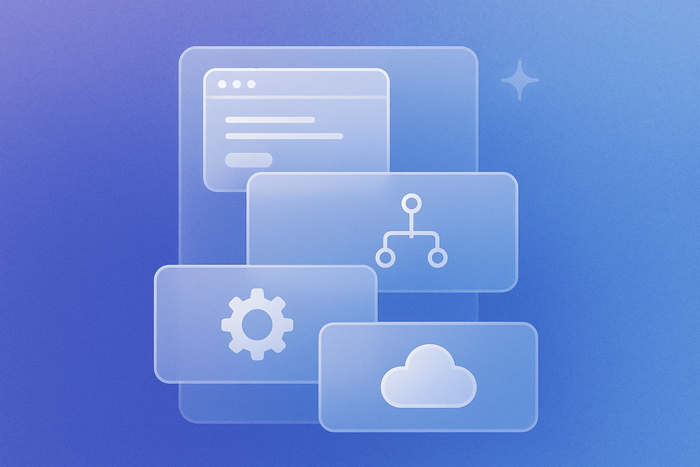
Full-stack platforms handle all those layers, not just design. Modern full-stack platforms like Bubble now also use AI to generate the complete app with all these pieces in place, then let you customize every layer visually.
Generate your app and start building
You now understand how these pieces fit together. Vibe coding is how you communicate what to build, while visual development is the easiest way to edit and control what gets built. The winning approach gives you both.
AI makes building accessible, but understanding what you build beats blind prompting every time. The right platform gives you speed through AI generation and control through visual editing so you're never stuck.
Generate a complete app with AI in minutes. See exactly how it works. Edit directly when you want precision. Launch to real users.
Join nearly 6 million builders launching real apps, not just prototypes. No credit card required.
Build for as long as you want on the Free plan. Only upgrade when you're ready to launch.
Join Bubble